Free tool · No sign-up
Competitor price check
Paste your product page and up to three competitors. For Shopify stores you only need the store's address: we find the same product, read its live price and stock, and show how far above or below it you are.
How it finds the same product
1. Barcode first
Shopify stores can publish a barcode for each variant. When yours and a competitor's match, it's the identical item, down to the colour or size, and the result says “Same barcode”.
2. Store search
Without a barcode match, we search the competitor's whole catalog with Shopify's own storefront search, then score the results against your title. Missing model words like “Pro”, different sizes and open-box listings count against a match.
3. You confirm
Title matches are labelled “check it” with the next-closest listings. If none is close enough, we say so rather than compare you against the wrong product.
Reading the results
- Your gap is your price minus theirs, as a percentage of theirs. “You're 5.0% higher” means a shopper saves 5% of the competitor's price by buying there.
- The summary line compares you with the lowest price among competitors that are in stock. A cheaper store that has sold out isn't taking your sales today.
- A struck-through price is the store's compare-at price, the “was” price shown during a sale. A competitor on sale may go back up soon; our guide to responding to price undercutting covers when to follow.
Questions
How does the tool know it found the same product?
If both stores record a barcode (UPC, EAN or GTIN) for the product, we look for the identical barcode, down to the variant. Otherwise we search the competitor's store and score each result on how many words of your title it contains, penalising missing model words, different sizes, open-box or refurbished listings and very different prices. A title match is labelled so you can confirm it.
Why does a result say 'Closest title: check it'?
No barcode matched, so the product was picked by title. It's usually right for branded products, but a different size, colour or bundle can look similar. Open the link to confirm, or paste the competitor's exact product link instead of the store address.
Which stores does it work with?
Shopify stores work best: enter the store's address and the tool searches its catalog. For other shops, paste a product link; the tool reads the price from the page's product data, which most online shops publish for Google. Amazon isn't supported in the free check, and some large retailers block automated visits.
Are shipping and tax included?
No. The tool compares product prices as shown on each page. If you or a competitor charge different shipping, compare delivered prices before deciding to change yours.
Which currency are prices in?
The one each store shows a visitor from our server's location, usually its home currency. If two stores use different currencies, the tool shows both prices but no gap.
Is there a limit?
You can run 10 checks every 10 minutes, each with up to 3 competitors. Nothing you enter is saved. To check prices every day and get alerts when they change, use PricePulse.
From the blog
What to do with the gap once you know it.
How to Monitor Competitor Prices: A Shopify Playbook
A step-by-step competitor price monitoring playbook for Shopify stores: pick rivals, match exact variants, set a check cadence and act on real price gaps.
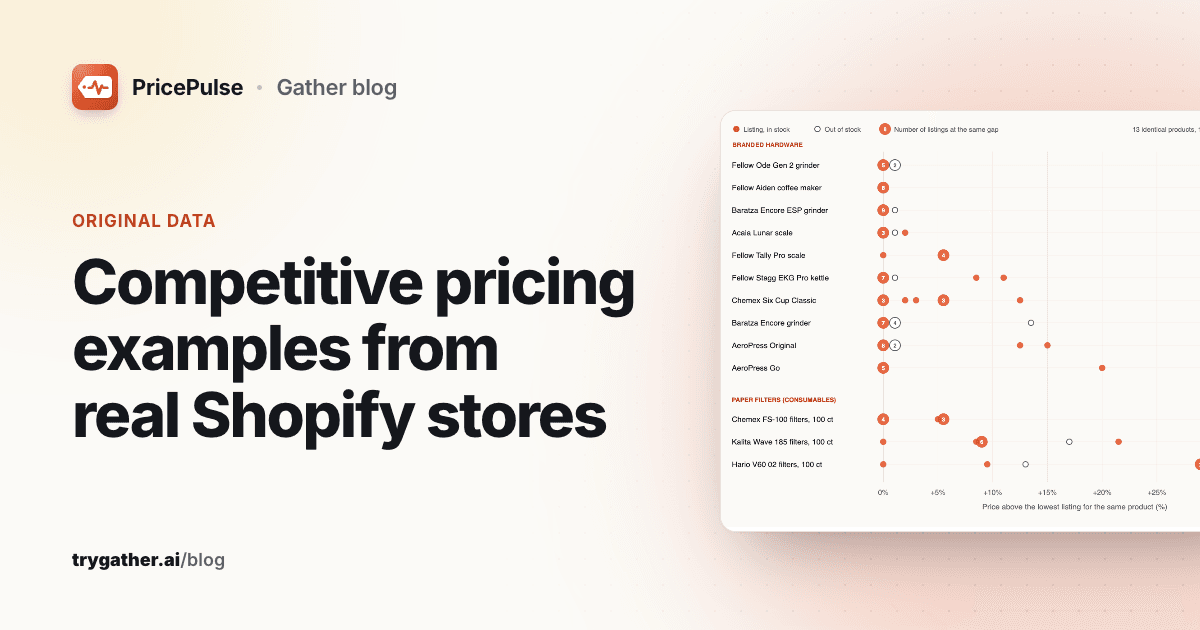
Competitive Pricing Examples From Real Shopify Stores
Competitive pricing examples from 109 listings of 13 identical products at 26 Shopify stores, with the margin math for pricing below, at or above market.
Price Undercutting: What to Do When a Rival Cuts Prices
A price undercutting playbook for online stores: verify the rival's price, check your margin floor, pick a response and stay out of a price war.